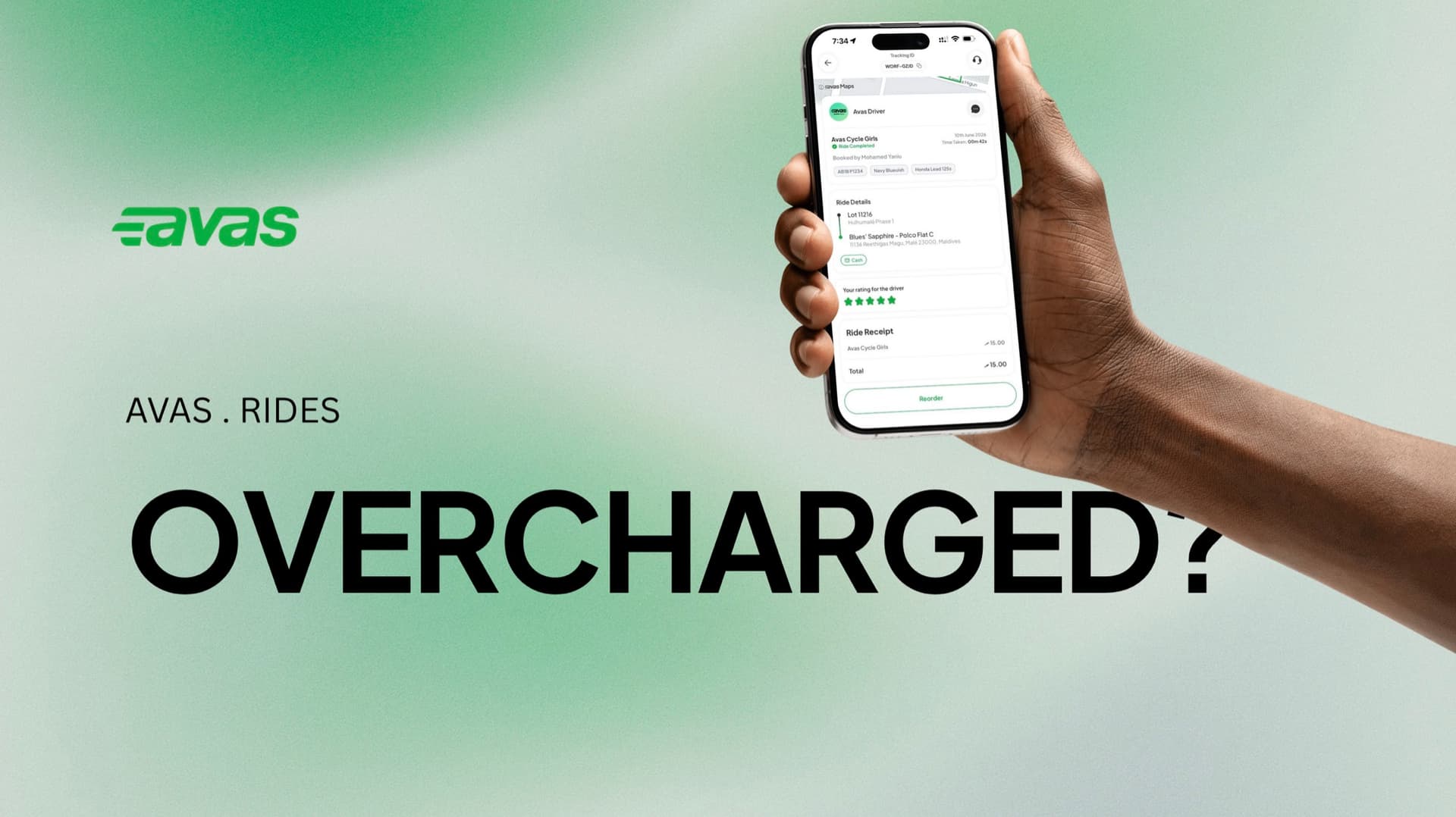

I was charged the wrong amount
If you were charged an incorrect fare, here's exactly how we review it and get your money back.
The fare-review process
Every reported charge follows the same four steps.
- 01
Report the issue
Contact the Avas customer service office and let them know you were charged the wrong amount. Have your trip details ready — they may be requested to verify the ride.
- 02
Review and clarification
Once your complaint is received, the driver involved is contacted for clarification on the fare charged for the trip.
- 03
Collection of the excess amount
If it’s confirmed that an excess amount was charged, that additional amount is collected back from the driver.
- 04
Refund processing
After the excess has been recovered, your refund is processed and sent to you as a payout.
The date and time of the trip, your pickup and destination, and the amount charged all help us verify the ride and resolve it faster.
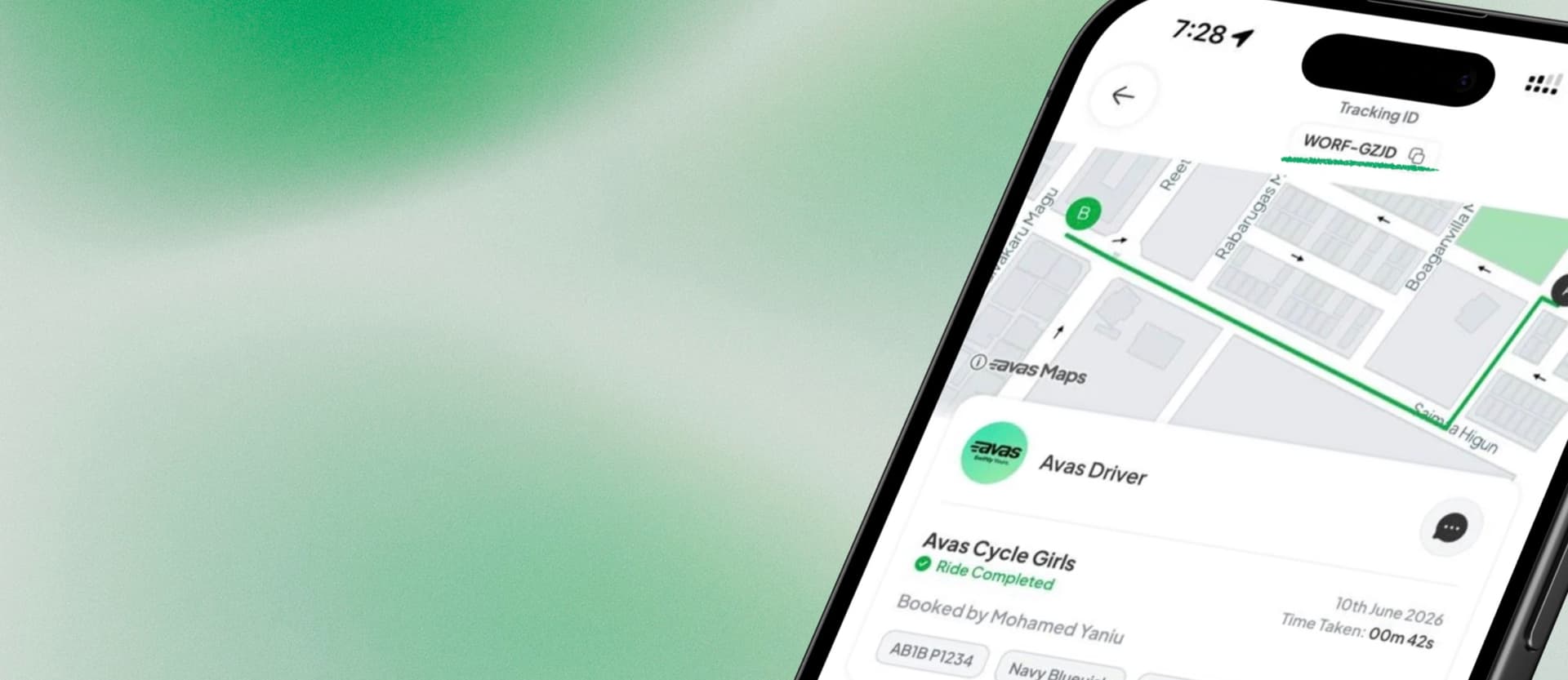
Find your trip's tracking ID
Sharing the tracking ID is the quickest way to help us pull up the exact ride.
- 01
Open the app and go to Activity.
- 02
Tap the ride in question.
- 03
Find the tracking ID at the top of the screen.
- 04
Tap it to copy the tracking ID.
- 05
Send us the tracking ID — it gives us everything we need to pull up that exact ride.
Charged the wrong amount? Let's sort it out.
Reach us any time — we're a tap away.
Send us a request and we'll follow up with the review.
Open a request