
Avas Support
Updated June 2026 · 2 min read
Can I delete my account?
Yes — you can delete your Avas Driver account right from the app in a few steps. Just note that deletion is permanent and can't be undone.
Before you delete
Deletion is permanent.
Deleting your account permanently removes it and cannot be undone. If you have pending payouts or open trips, settle those first — you'll need to re-register from scratch to drive with Avas again.
Driver app
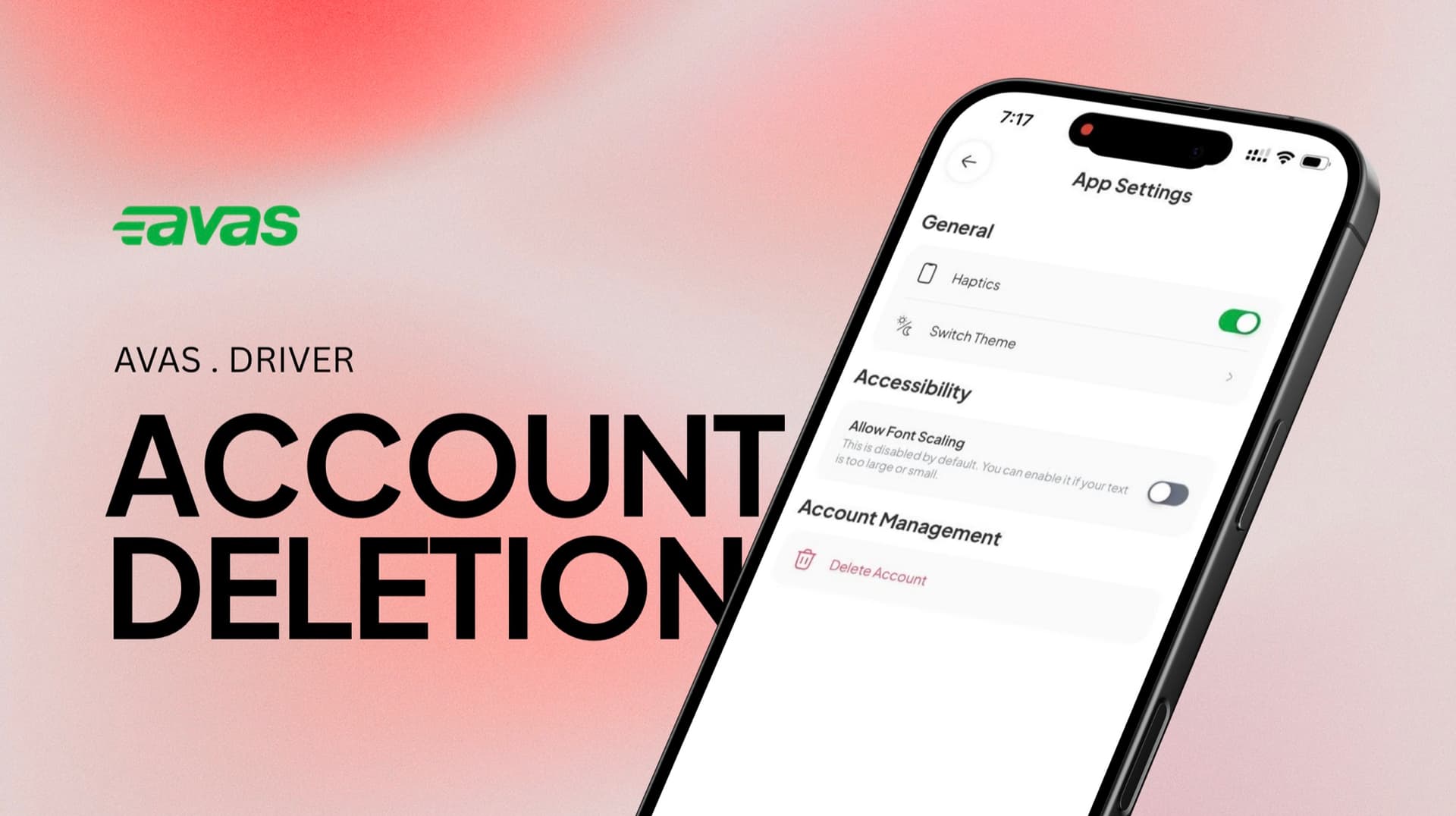
How to delete a driver account
If you're using Avas as a driver, follow these steps.
- 01
Open the app and go to Settings.
- 02
Tap App Settings.
- 03
Select Delete Account.
- 04
Type “delete my account” to confirm.
- 05
Follow the prompts to complete the process.
Using Avas as a customer?
Deleting a customer account starts from a different menu — see how to delete a customer account.
Need a hand?
Not sure about deleting? Talk to us first.
Reach us any time — we're a tap away.
Still stuck? Send us a request and we'll follow up.
Open a request