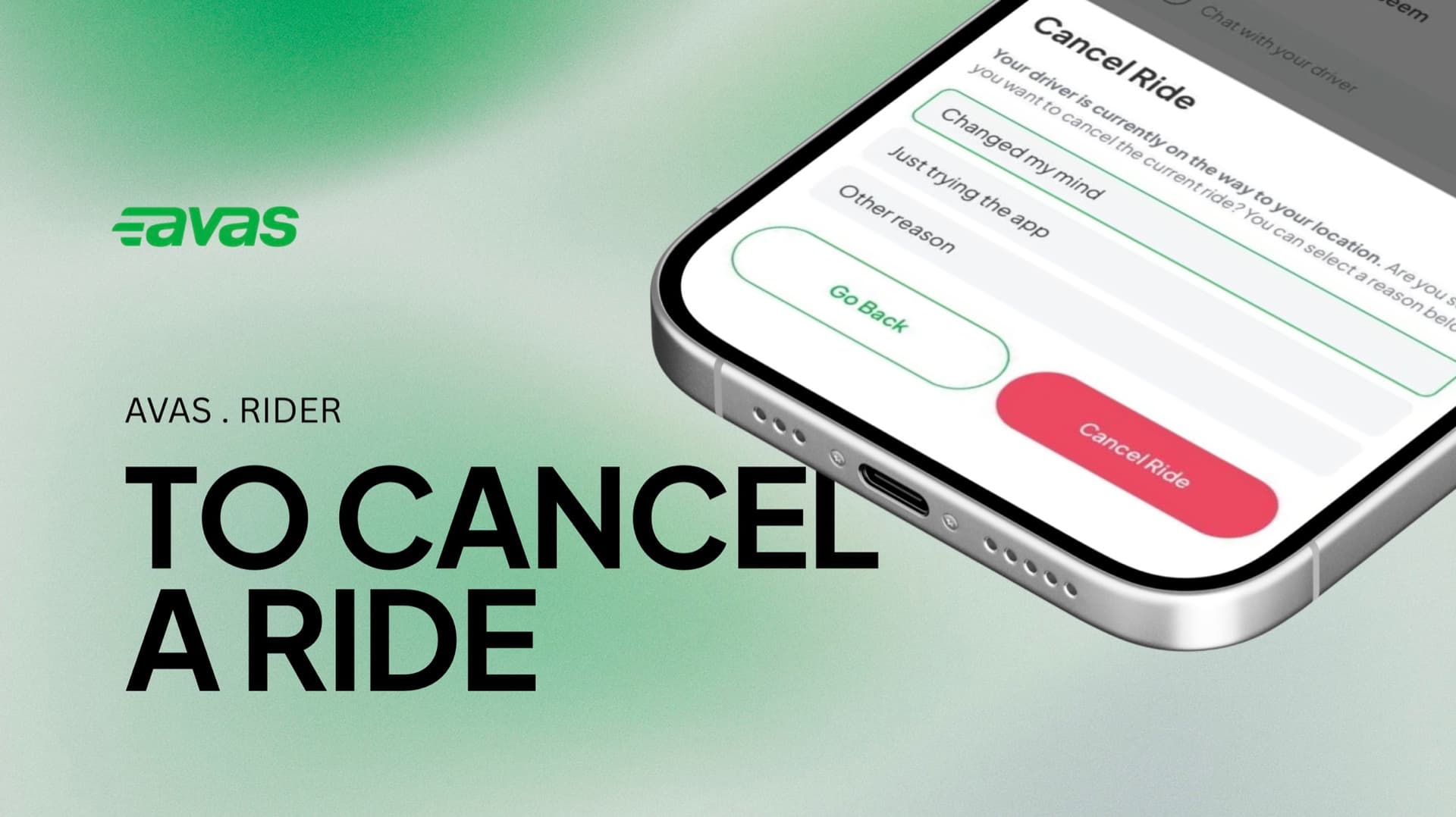

How do I cancel a ride?
You can cancel a ride right from the Avas app — whether a driver has already been assigned or the app is still searching.
After a driver is assigned
If a driver has already been matched to your ride, here's how to cancel.
- 01
Slide down below the driver details shown on the screen.
- 02
Press Cancel Ride.
- 03
Select the reason for cancellation.
- 04
Press Cancel Ride again to confirm.
Before a driver is assigned
If no driver has been assigned yet, here's how to cancel.
- 01
While the app is searching for a driver, the Cancel Ride option appears.
- 02
Select the reason for cancellation.
- 03
Press Cancel Order to proceed.
A few things worth knowing
Cancelling is always your choice — these tips just help everyone have a smoother trip.
Before a driver is matched, cancelling has no impact on anyone.
Try not to cancel after a driver has accepted or arrived — it costs them real time and fuel.
You can add a stop or update your destination in the app instead of cancelling and rebooking.
A driver should never ask you to cancel on their behalf. You’re not obliged — decline and contact support.
If you see a charge you didn't expect, here's how we review it — I was charged the wrong amount.
Cancel only when you need to.
Cancelling rides too frequently may affect ride allocation and could mean fewer matches for you. Please cancel only when necessary.
Open a request and we'll take a look.
Reach us any time — we're a tap away.
Still stuck? Send us a request and we'll follow up.
Open a request