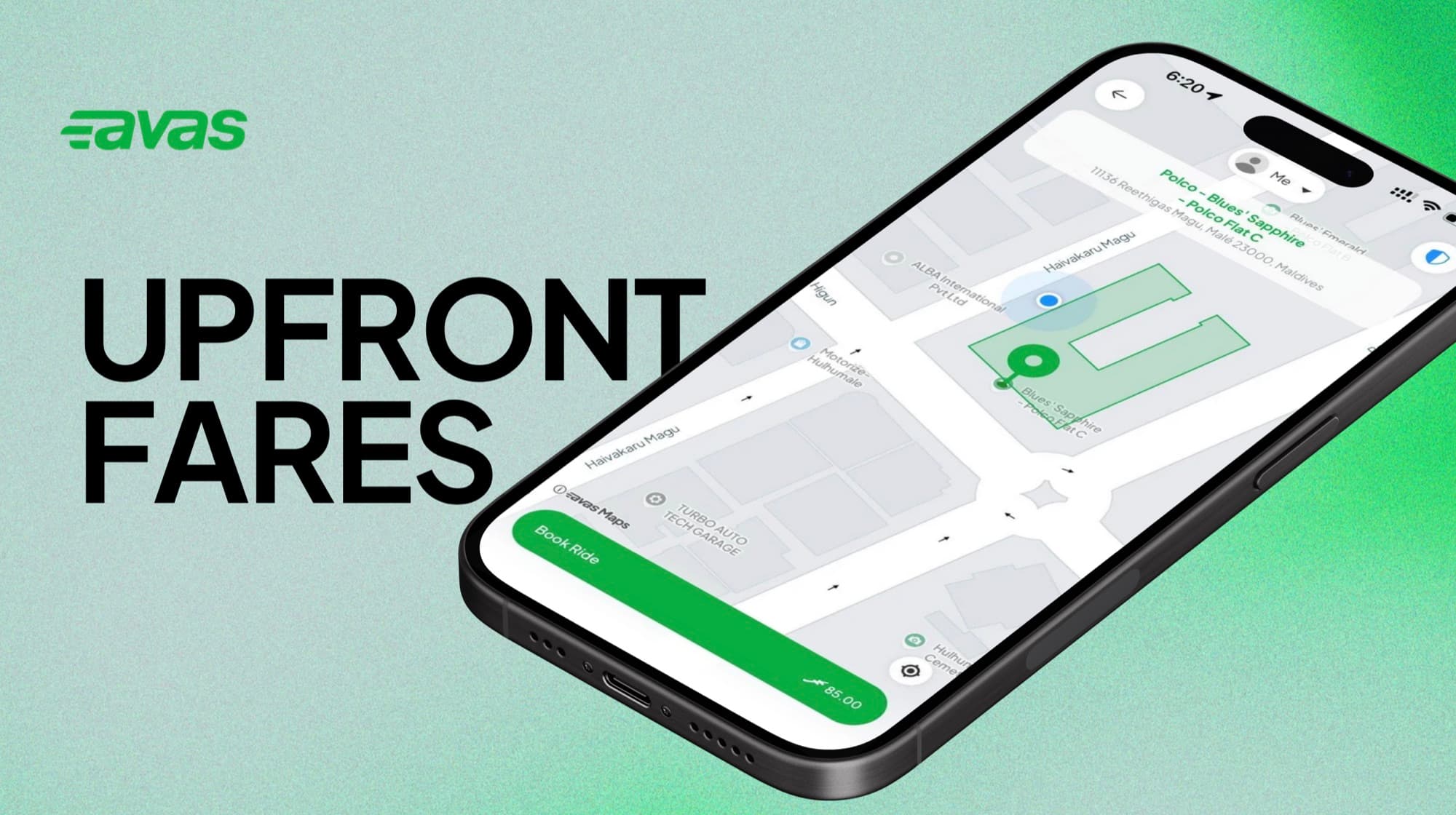

How are fares calculated?
What goes into the price you see before you book, when fares can change mid-trip, and how vehicle type affects the total.
The price you see is the price you pay
Avas shows you the exact cost of your trip before you request a ride. When you confirm, you agree to be charged that upfront fare at the end of the trip.

What's in an upfront fare
Two ingredients shape every quote you see in the app.
A fixed amount for the trip, regulated by the government. No surge pricing, no time-of-day multipliers.
Avas Car, Van, Cycle, Cycle Girls, Pickup, and Large Pickup each carry their own fixed rate. Pick whichever fits the trip.
What can adjust your quote
A few options can change the quoted price before you confirm. You'll always see the final amount in the app first — no surprises at the end of the trip.
Free for the first 3 pieces. Each additional piece adds MVR 5 to your quote.
Applied to any ride taken between 12:00 AM and 6:00 AM, in line with Maldivian government regulations.
A pre-order fee applies for rides booked in advance. Avas WAV — MVR 30. Avas Van — MVR 50.
When your fare can change
Short answer: it doesn't. Once you tap confirm, the price shown in the app is the price you pay — Avas does not change the in-app fare mid-trip.
Locked the moment you confirm.
The quoted fare — including any luggage, midnight, or scheduled-ride charges — is exactly what the app charges at the end of the trip.
Add every stop inside the app before you confirm. That way the agreed price is locked in and there are no surprises at the end of the trip.
Payment methods
Pay whichever way works for you — three options, no hidden fees.
Pay the driver directly at the end of the trip.
Save a card in the app for tap-to-pay convenience. Stored securely — you can remove it at any time.
The driver’s account number appears in your trip details. Copy it into your banking app and send the slip via in-app chat.
Coupons and promotions
From time to time Avas runs promotions. If a coupon is applied to your account, you'll see the discount reflected in the upfront fare before you confirm. Coupons usually have an expiry date and a per-account usage limit.
Coupons can be applied only when you pay with a saved card. Cash and bank-transfer trips don't support coupons today.
Open a fare review and we'll take a look.
Contact us in the app.
Still stuck? Send us a request and we'll follow up.
Open a request